How long does it take to find the right variant coding for a gearbox? Digging through hex by hand, recalculating the checksum, guessing what every bit means? MB Gear Helper does it for you — from a factory coding database with every bit decoded to smart matching, softwares, SCN and firmware.
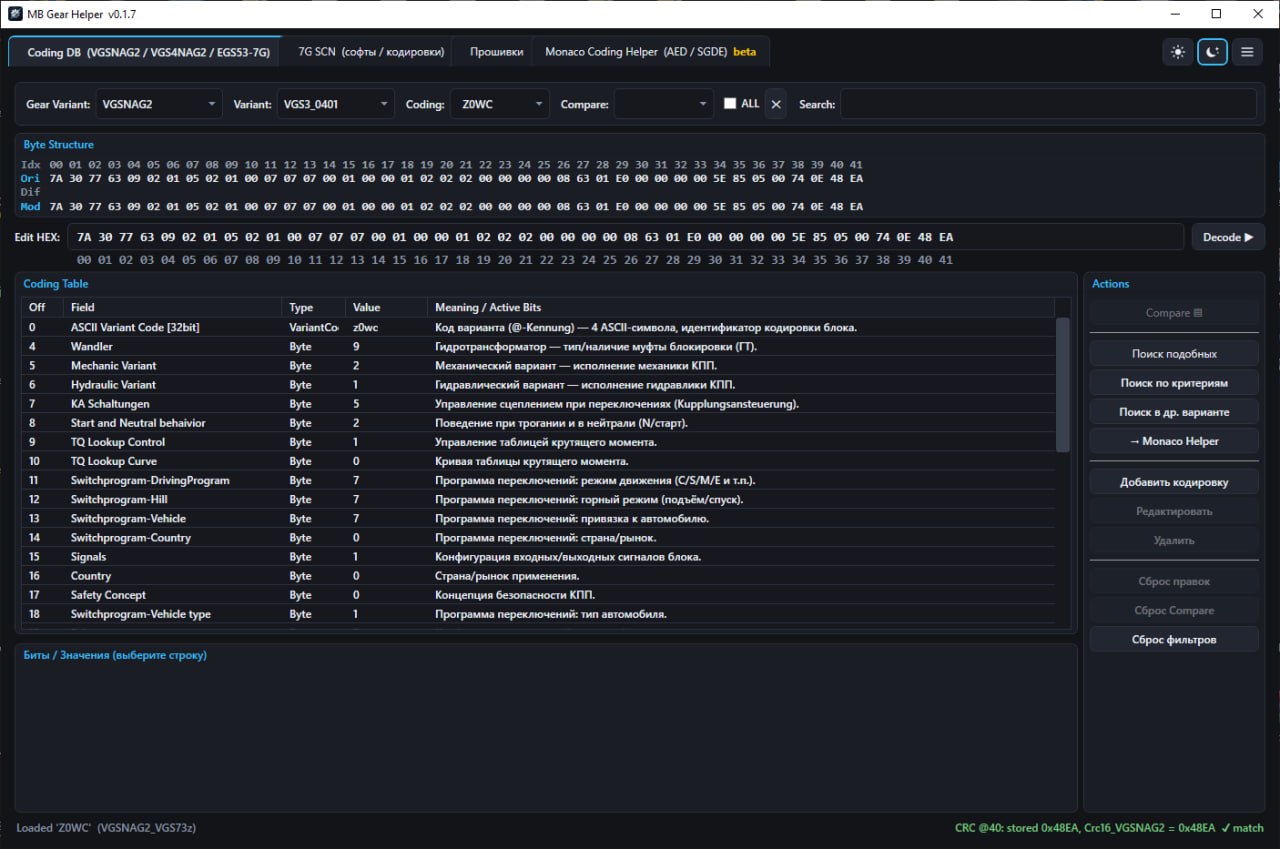
Each tab solves a separate task when working with Mercedes-Benz automatic transmissions. Click a screenshot to enlarge.
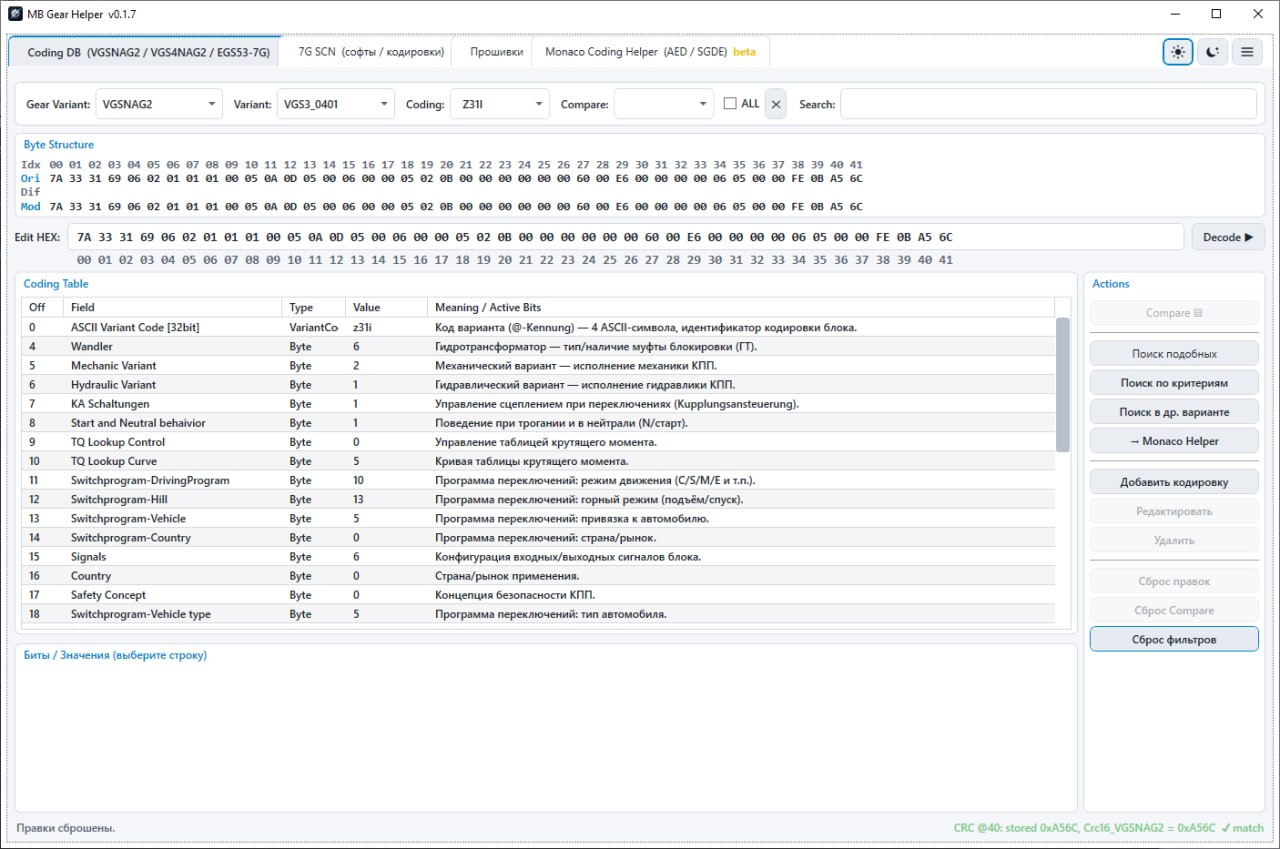
A database of variant codings for VGSNAG2, VGS4NAG2, VGSNAG3, VGS2NAG3M, VGS461, EGS52 and EGS53 control units. Every byte and bit is decoded: instead of raw hex — a clear table of parameters with descriptions. Change a value or a bit — the checksum is recalculated automatically. Dark and light theme.
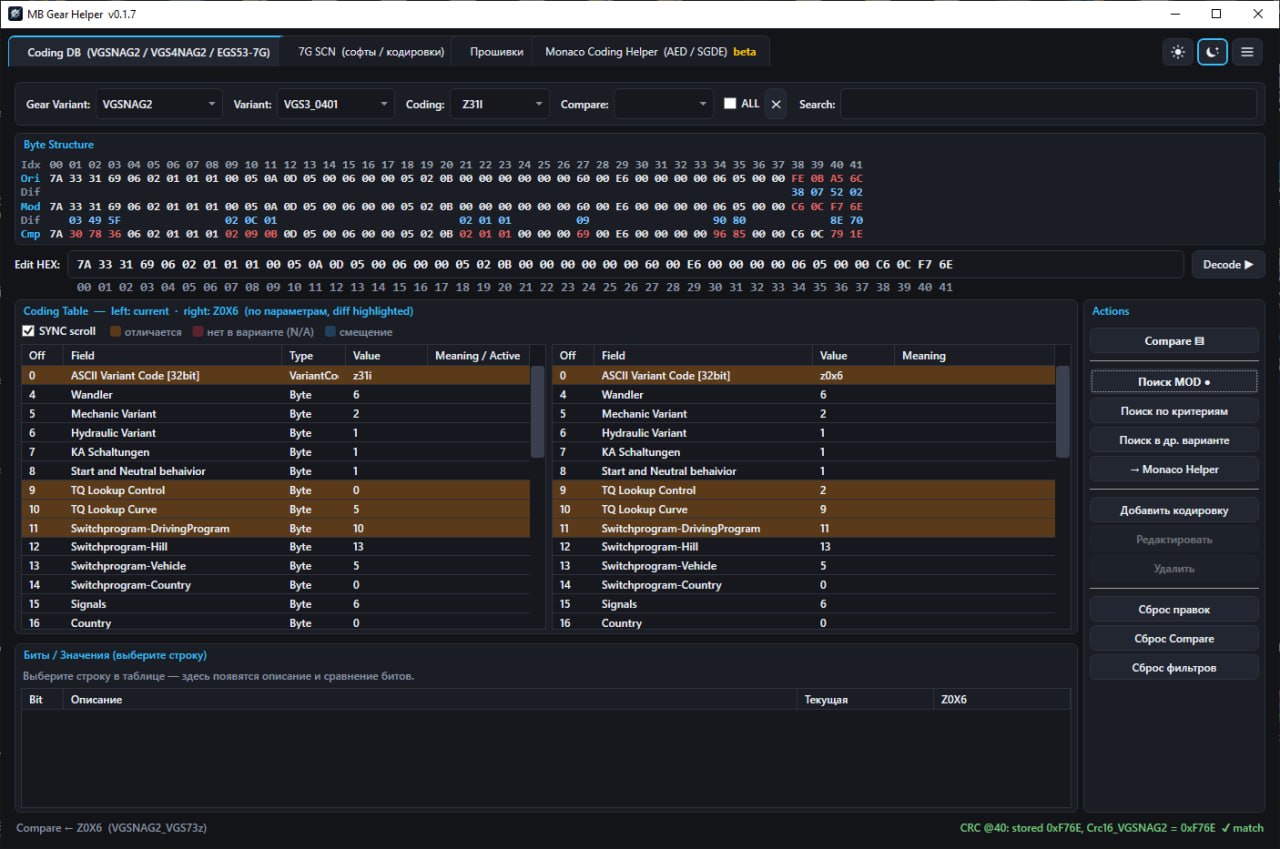
Two codings in one table: differences are highlighted, and you can also see parameters missing in the other variant. You can even compare codings of different control unit variants.
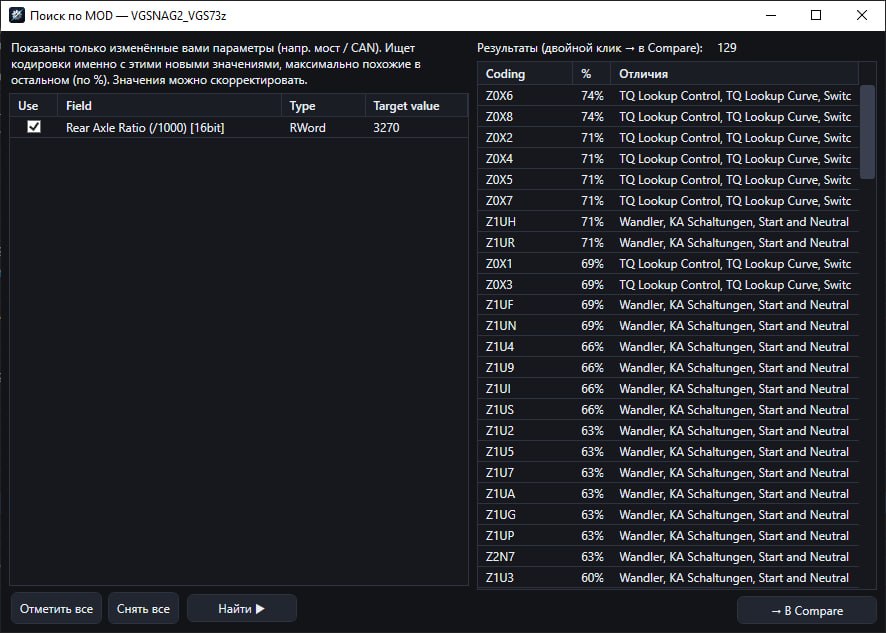
Search for similar codings, search by criteria and matching an analog for another control unit variant. "MOD search" finds factory codings with your new values — for example, with the required rear axle ratio or tire size, picked from a list without manual recalculations.
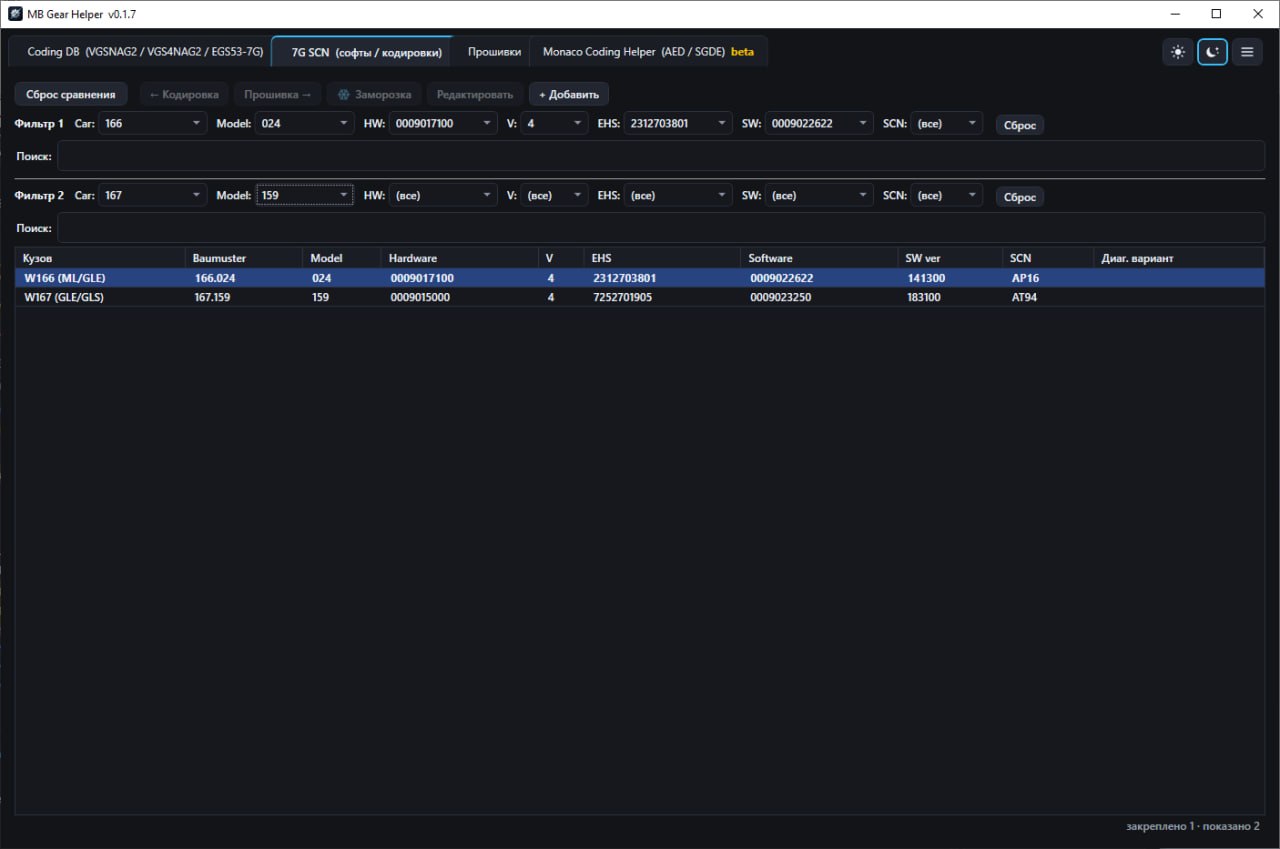
A cross-reference database: body, Baumuster, Hardware, EHS, Software, SCN and diagnostic variant. Two independent filters make it easy to compare two vehicles or find a replacement.
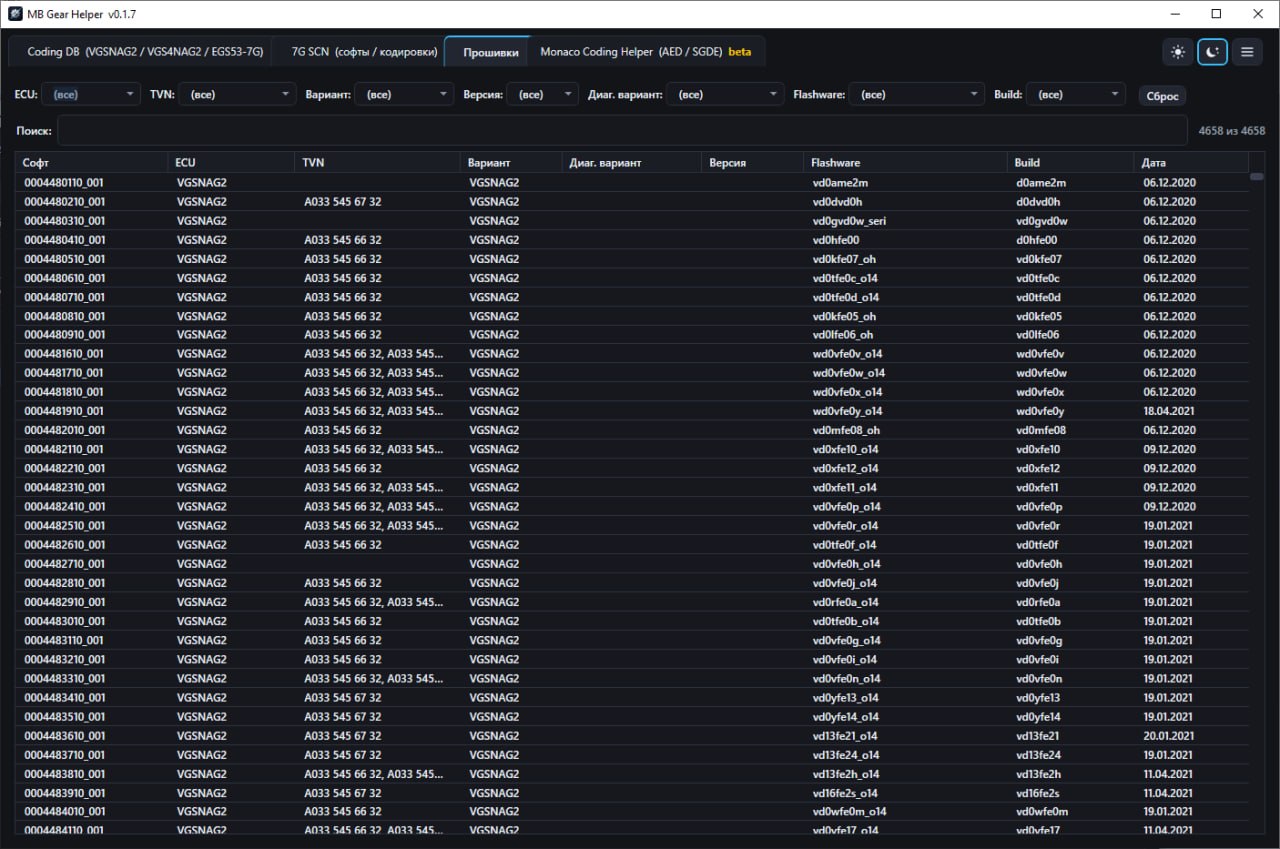
A catalog of gearbox control unit firmware with filters by ECU, TVN, variant, version, diagnostic variant and flashware. The file you need is downloaded right from the app.
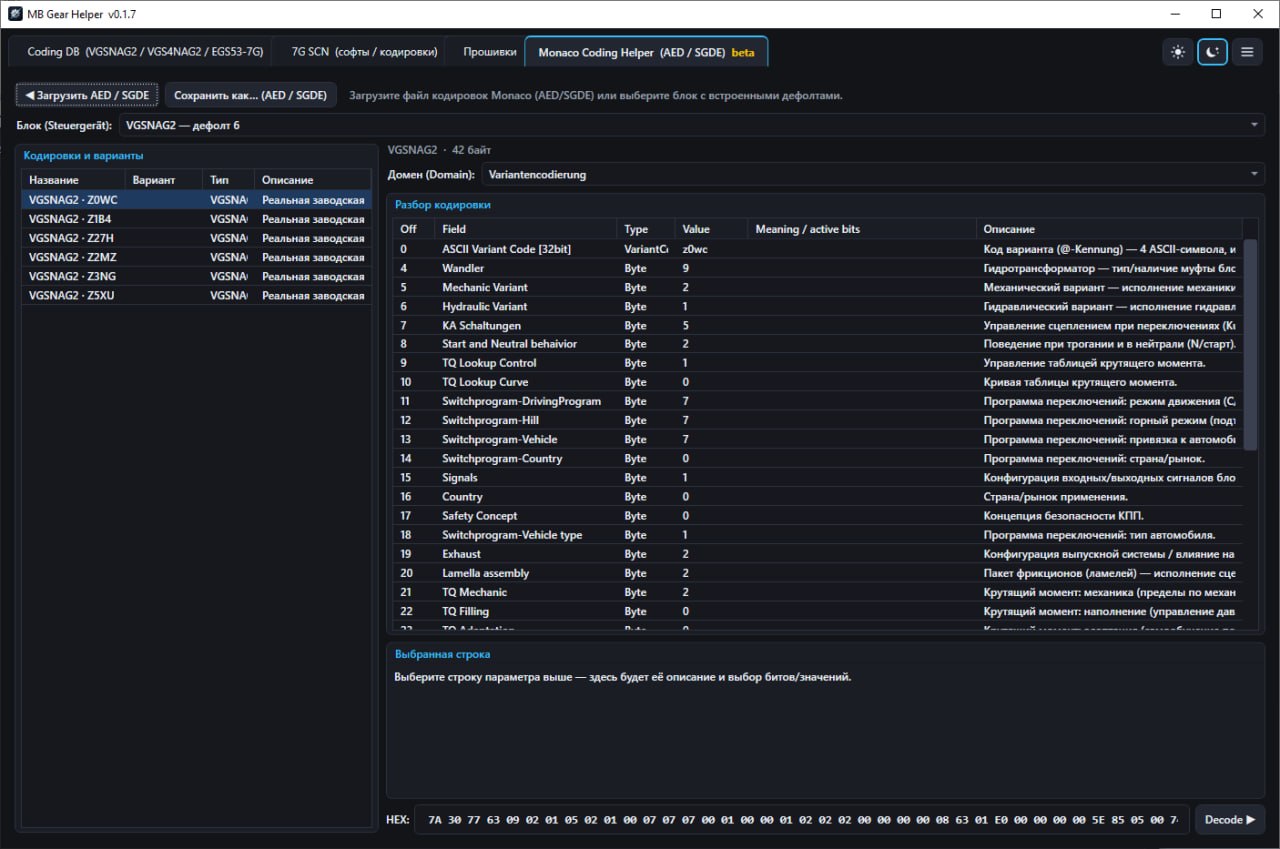
Open Monaco coding files (AED/SGDE), view parameters decoded byte by byte and bit by bit, and save them back — or start from the built-in factory defaults of the control unit.
Download the DEMO version and evaluate the coding database and tools on your own tasks.
Reach out via any convenient method (contacts are listed below).
After payment confirmation, we will send your license to activate the app.
For license purchasing, technical support, or software improvement suggestions.
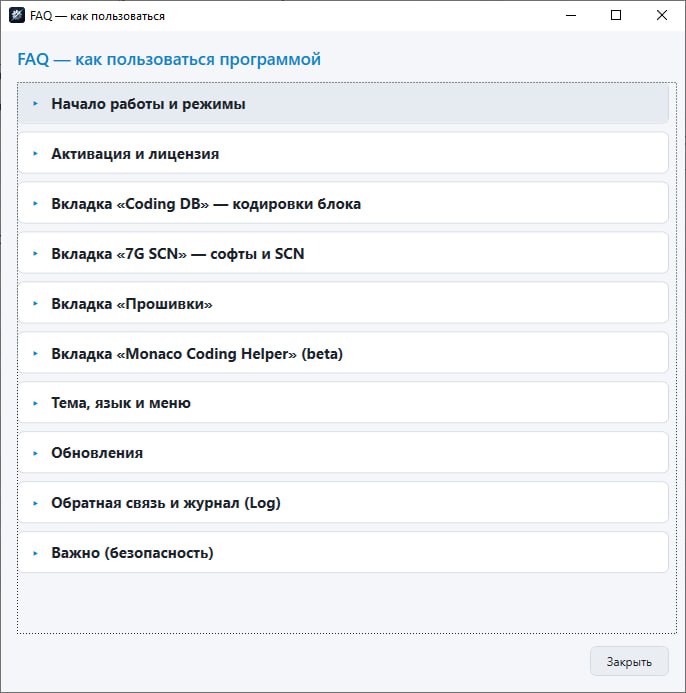
Tools are intended for diagnostics and legitimate servicing. Always keep a backup of the original. Full responsibility for use rests with the user.