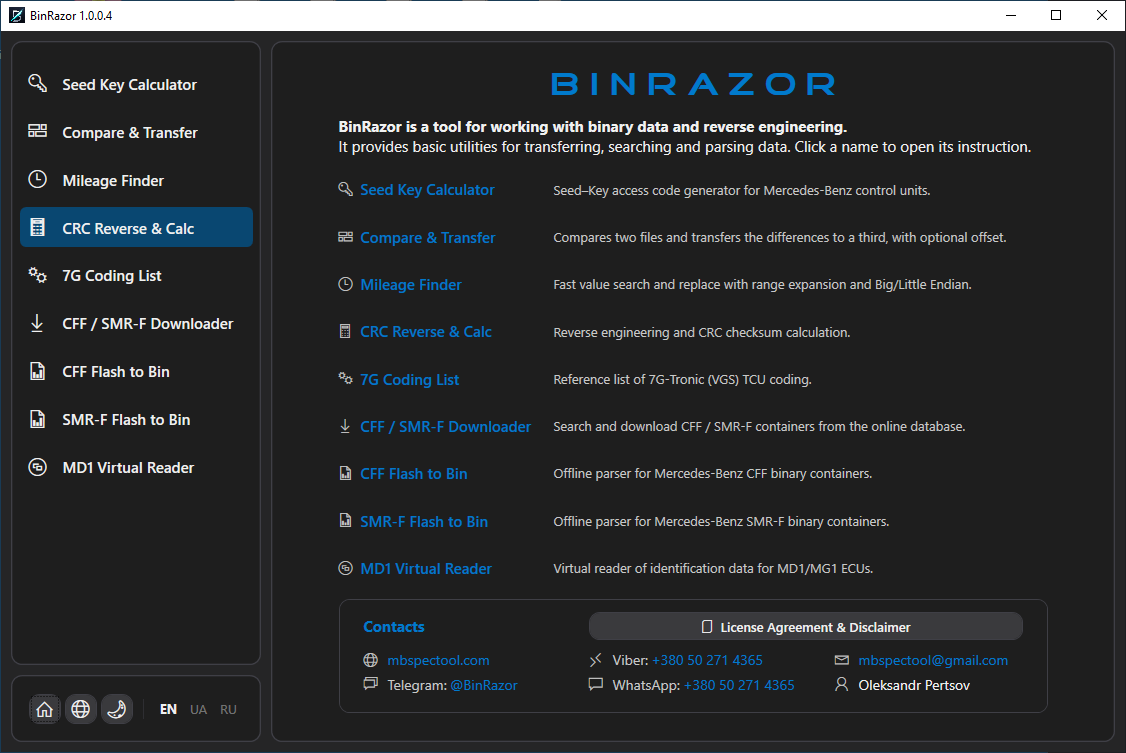
Nine professional utilities in one app for working with Mercedes-Benz ECU firmware: Seed Key, transferring ready solutions, mileage correction, checksums, 7G coding, downloading and unpacking CFF/SMR-F containers, and virtual MD1/MG1 reading.
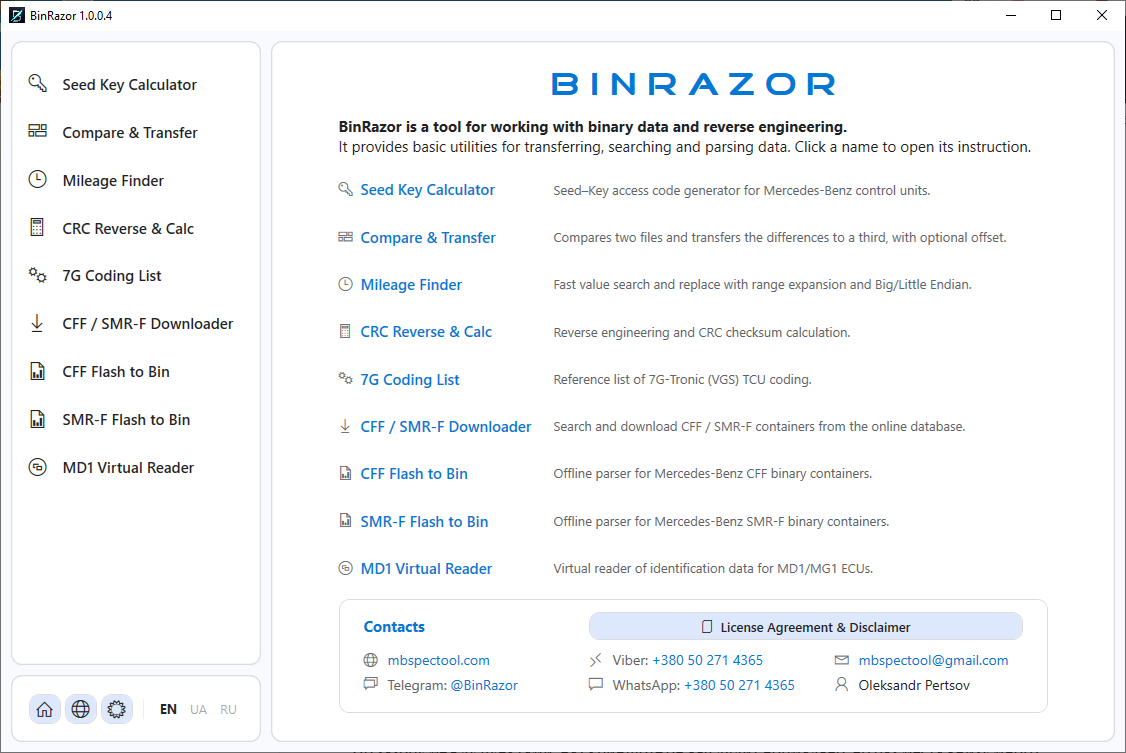
Each tool solves a specific ECU-repair and chip-tuning task. Click a screenshot to enlarge, or open the full instruction (PDF).
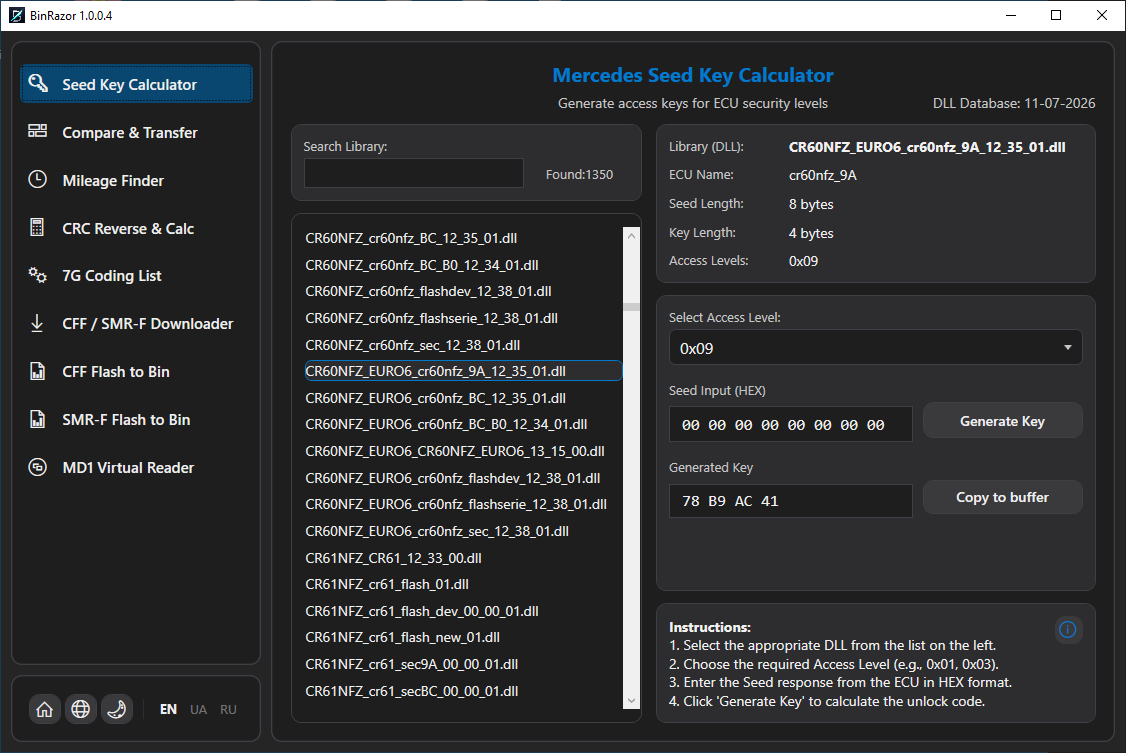
Seed–Key access-code generator for Mercedes-Benz control units. Uses a local database of DLL algorithms that updates automatically from the server; the result is generated and copied to the clipboard.
Instruction (PDF)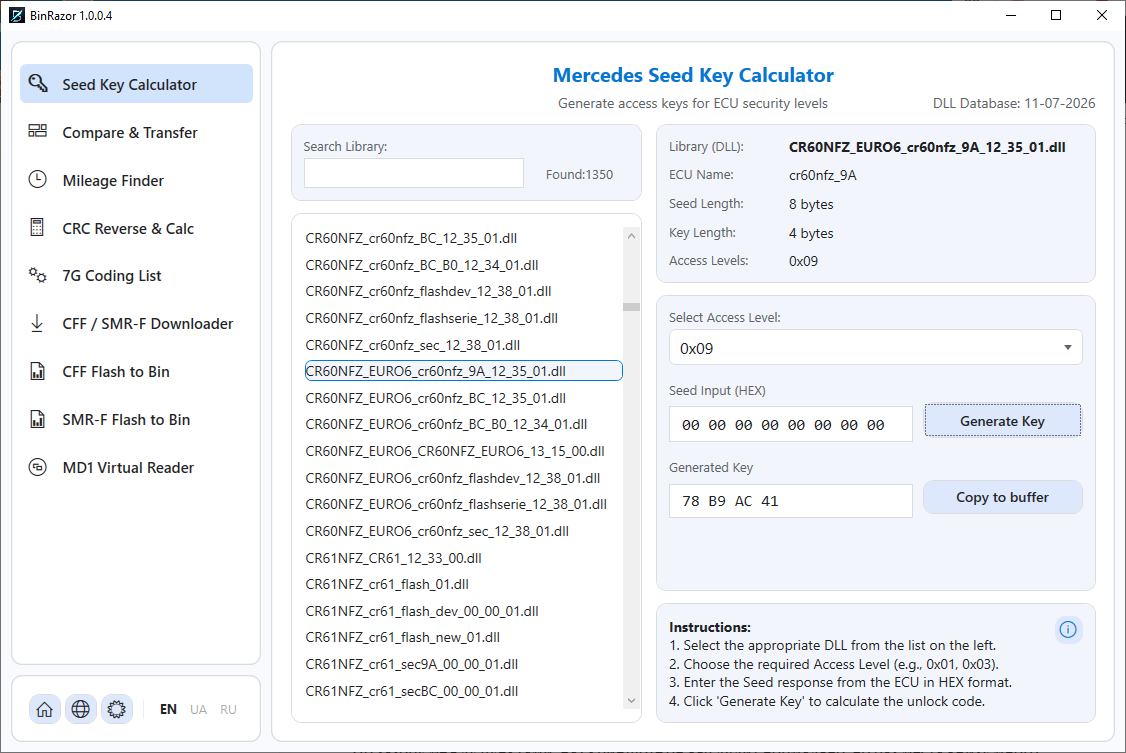
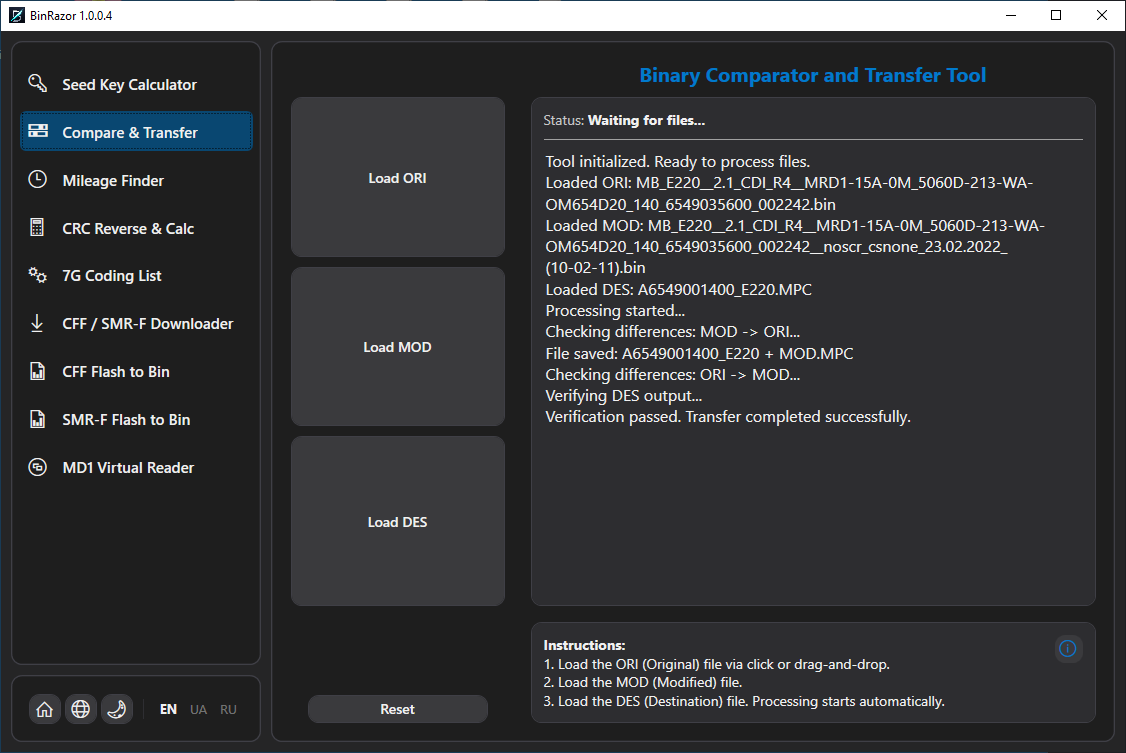
Transfers a ready solution (EGR/DPF/AdBlue off, power increase, etc.) from one software version onto another. The transfer is automatic — no manual byte editing. Load ORI (stock), MOD (with changes) and DES (read from the car); the tool finds the ORI→MOD difference and writes it into a copy of DES.
Instruction (PDF)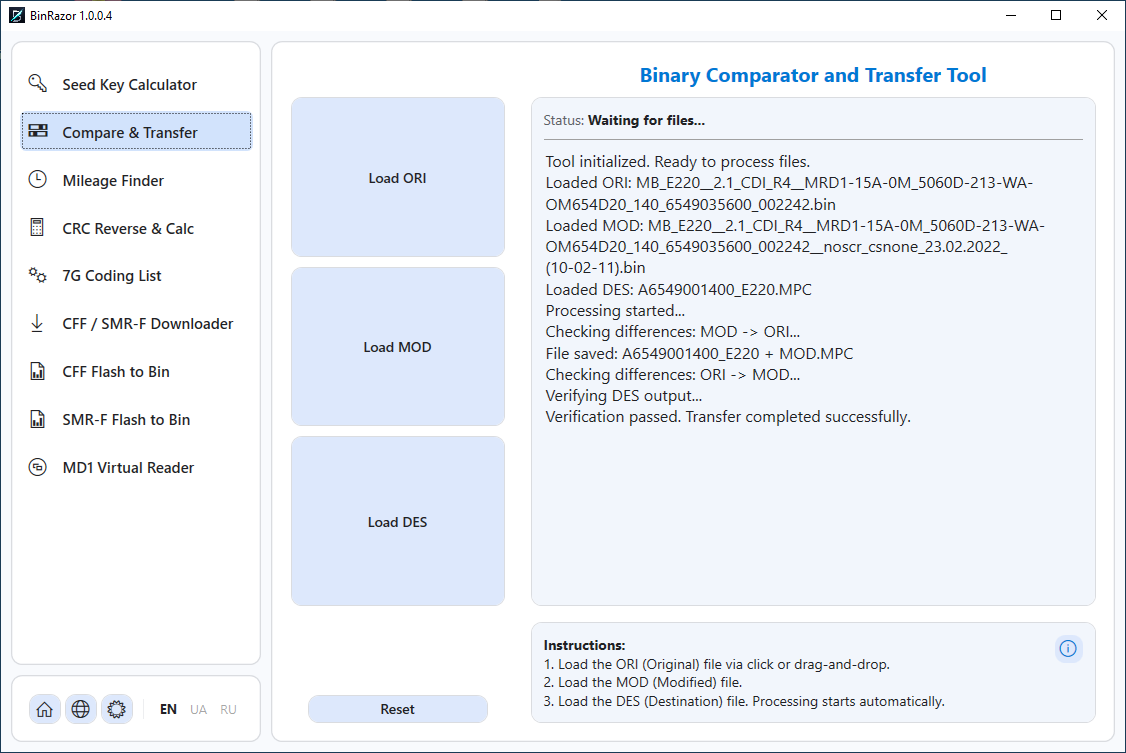
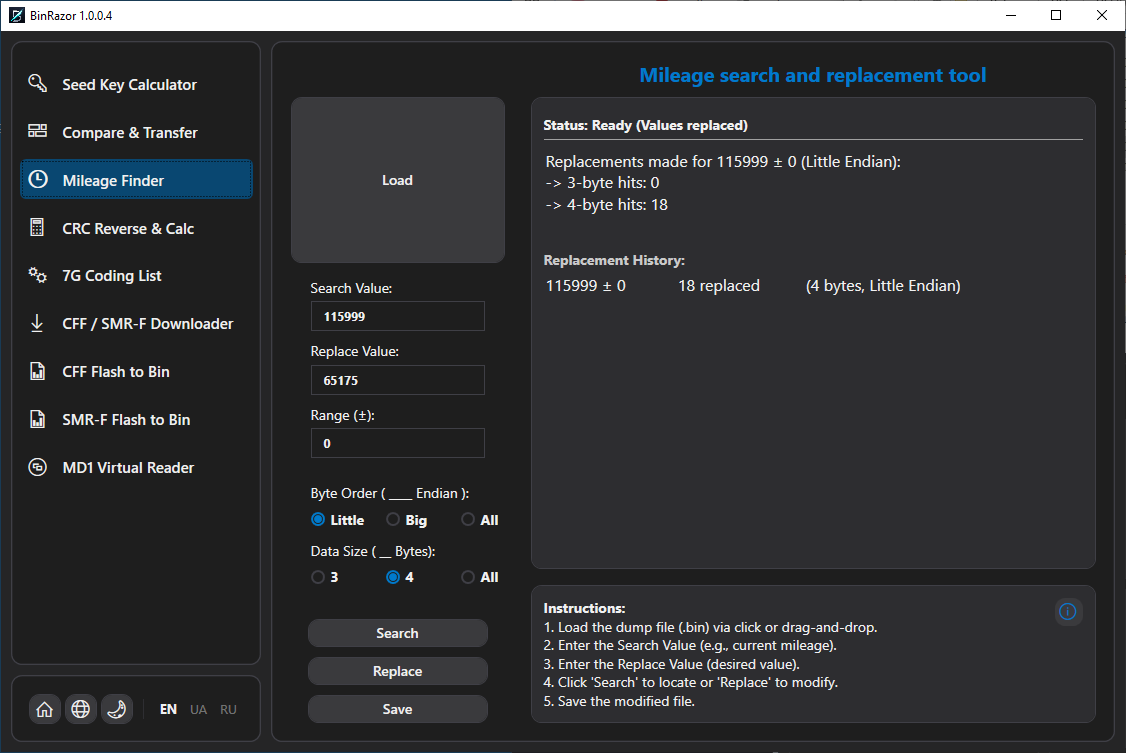
Searches numeric values inside a dump and optionally replaces them. Primarily for finding and correcting the stored mileage in ECU blocks. Supports Little/Big Endian, 3- and 4-byte values and search-range expansion.
Instruction (PDF)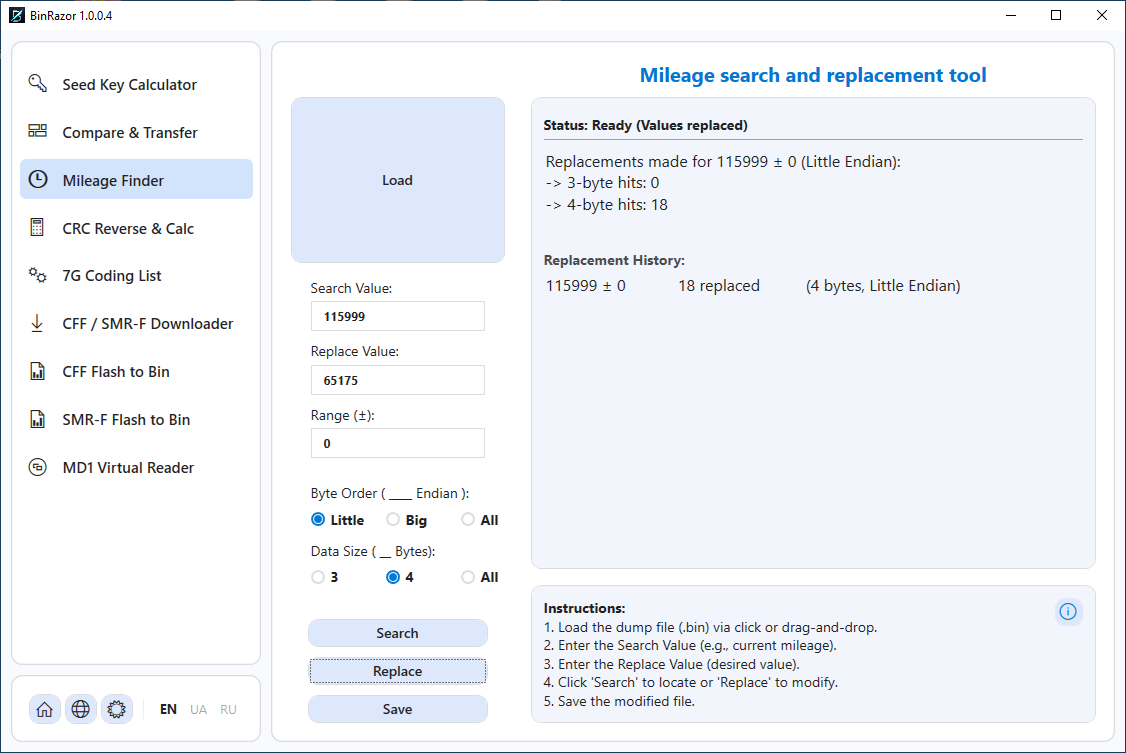
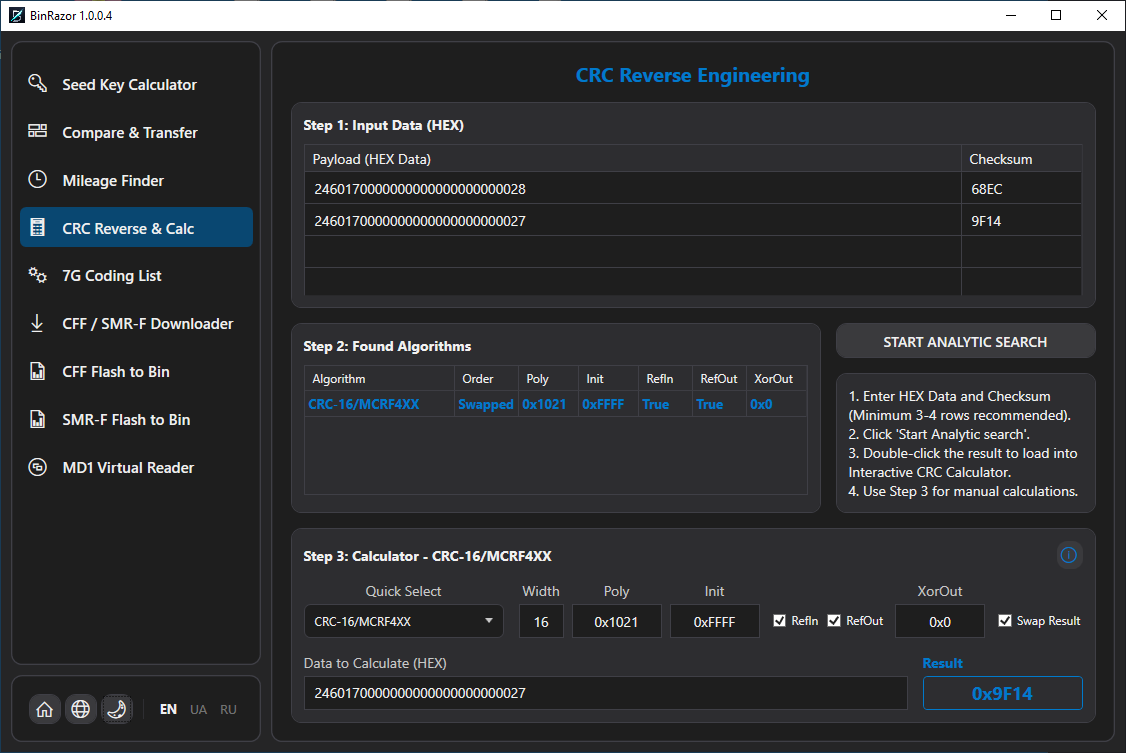
Recovers the parameters of an unknown CRC algorithm from a few message/checksum pairs, then calculates CRC live. Indispensable when a block is protected by a checksum that must be recomputed after editing.
Instruction (PDF)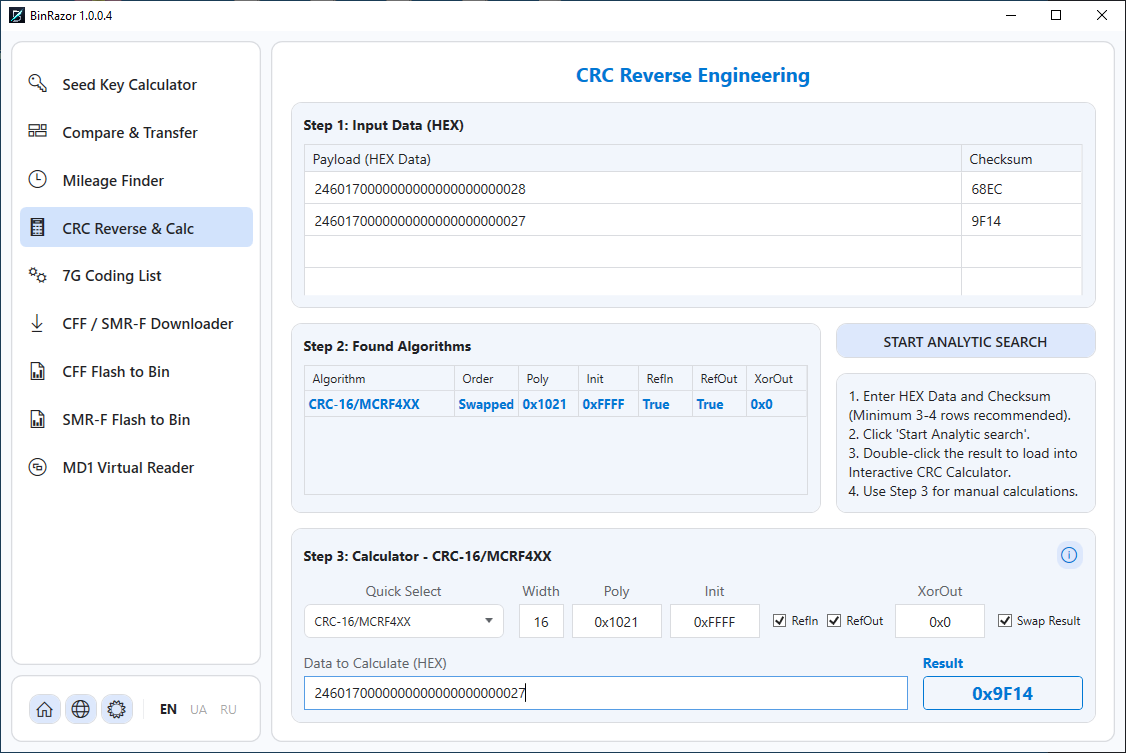
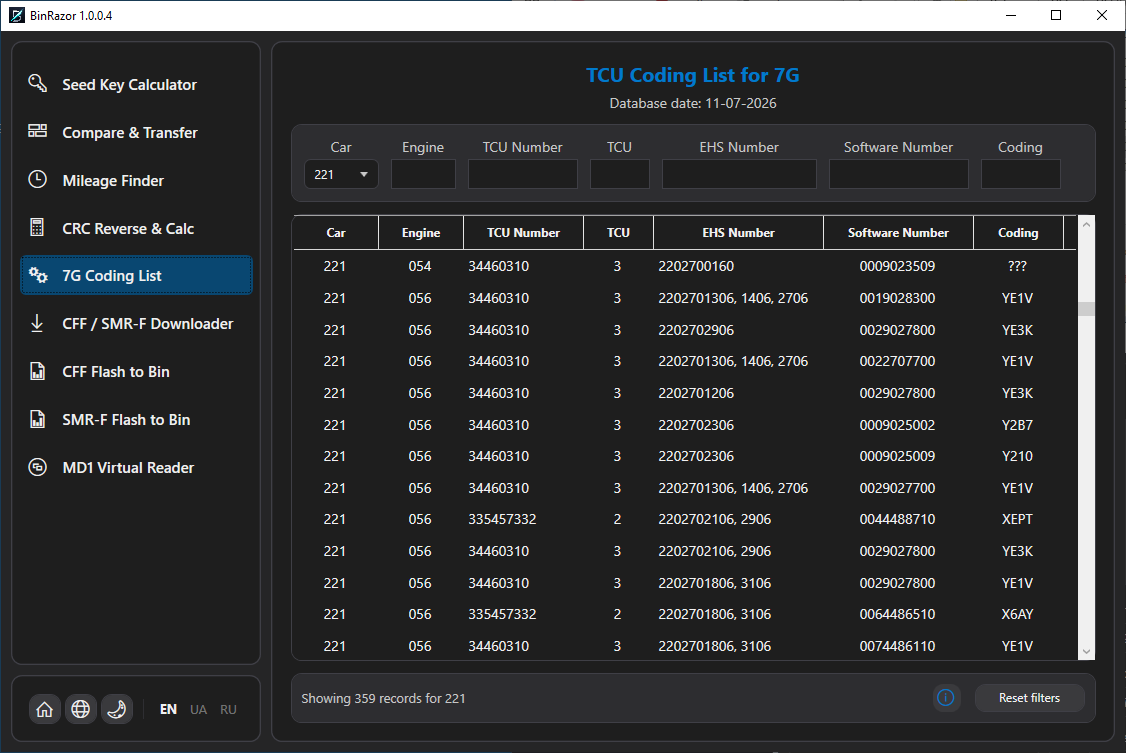
Reference list of 7G-Tronic (VGS) transmission control-unit coding. Browse and filter the entries with a quick filter reset; the data is stored and updated locally.
Instruction (PDF)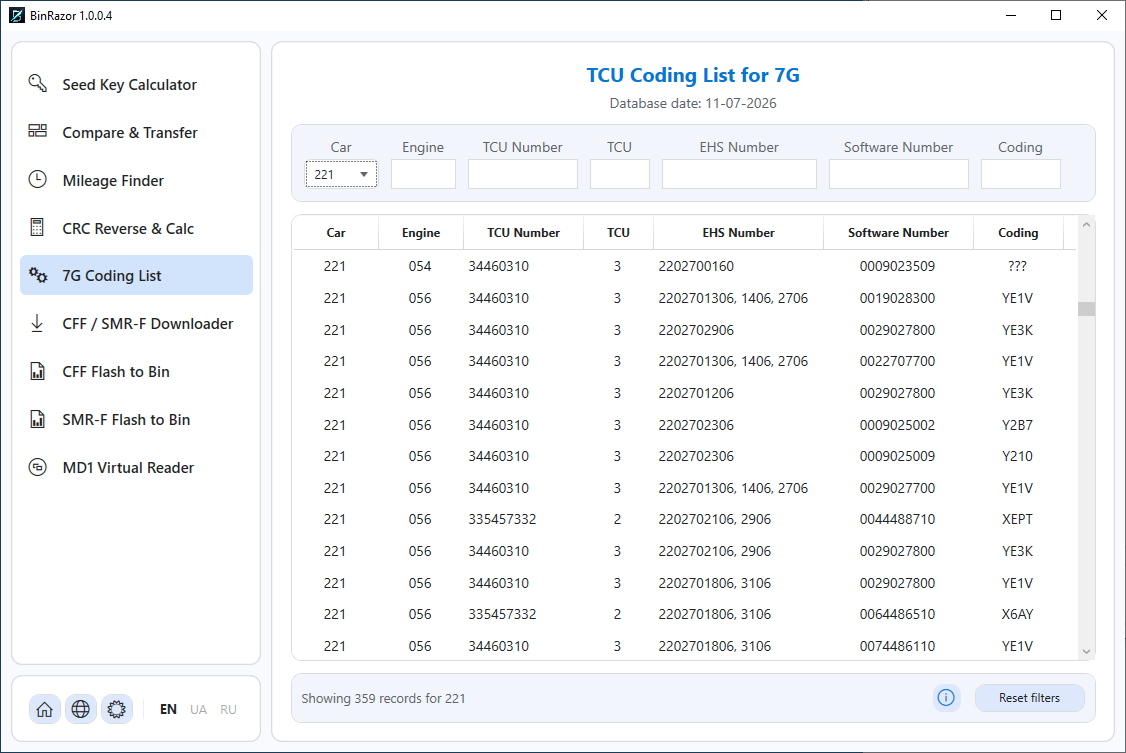
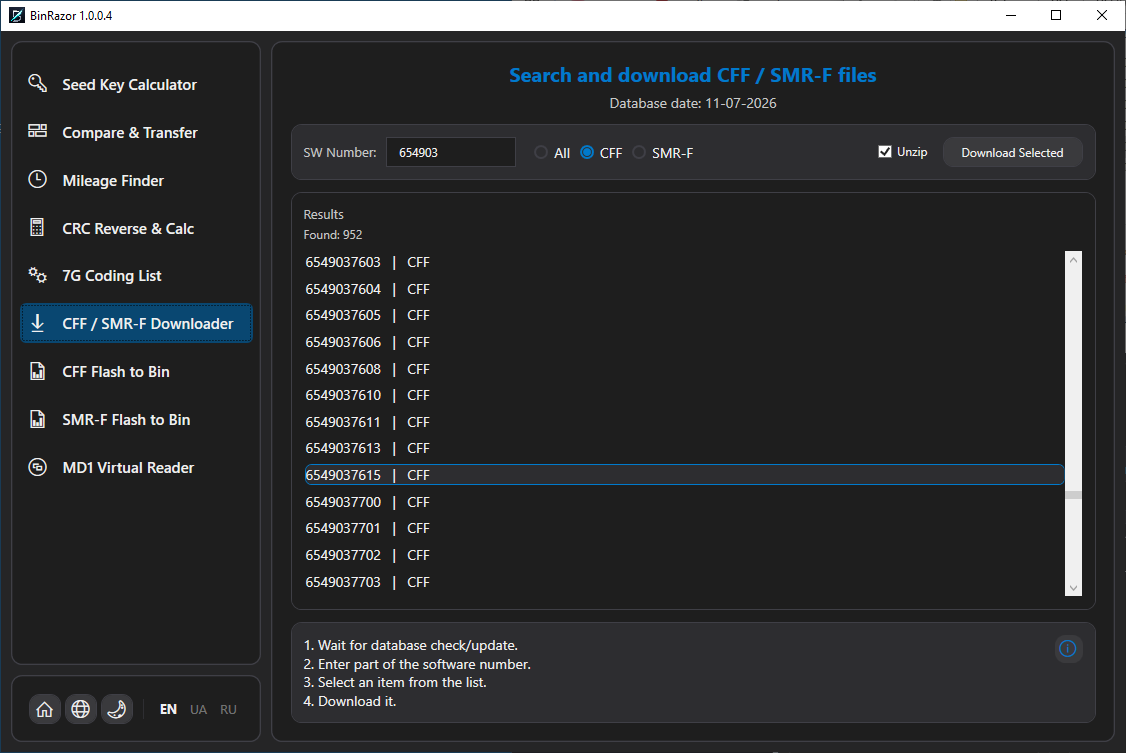
Search and download Mercedes-Benz CFF / SMR-F factory containers from the online database. Filter the list and download the files you need. Unlike CFF/SMR-F Flash, which extract data from containers you already have, this tool fetches the containers themselves from the online database. Requires an internet connection.
Instruction (PDF)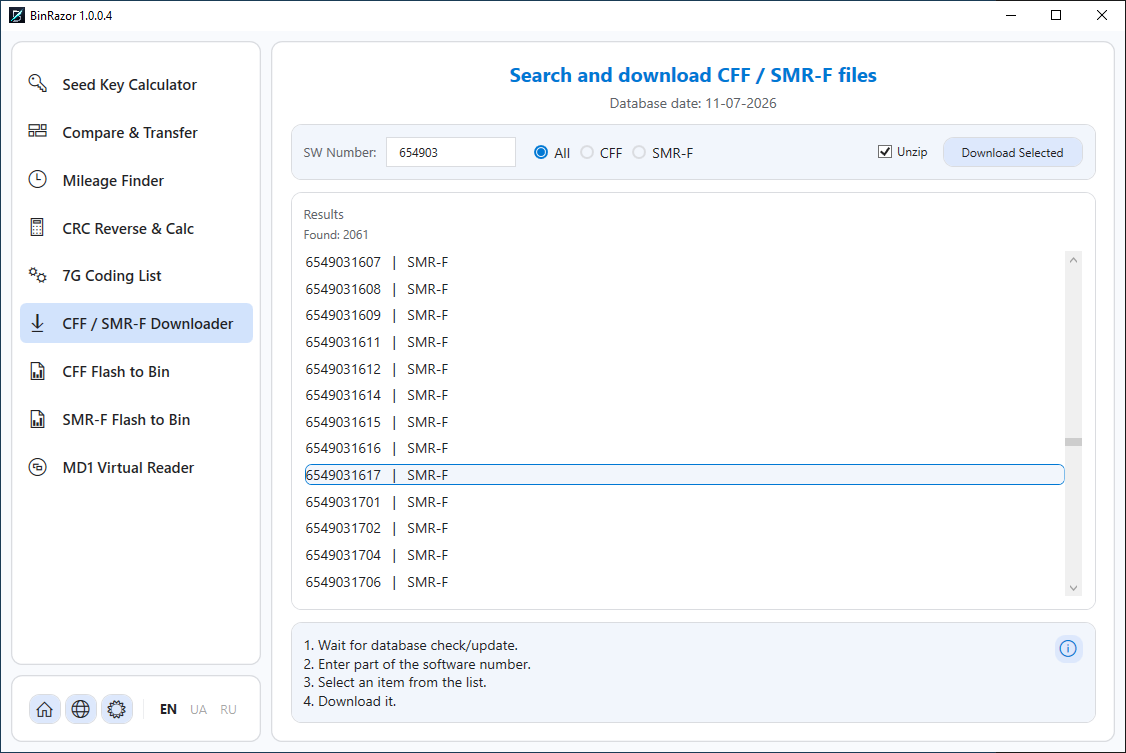
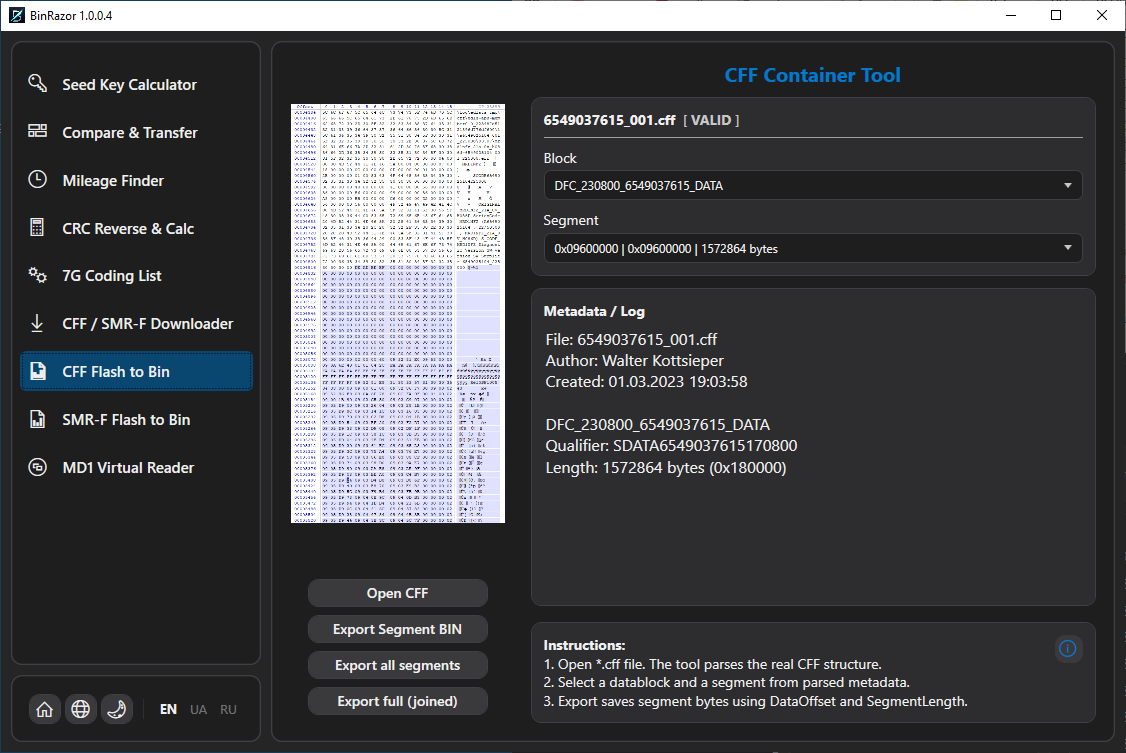
Offline parser for Mercedes CFF factory containers. Opens the container, shows its blocks and segments, and exports the chosen segment as a clean .bin. Read-only — the source file is never modified.
Instruction (PDF)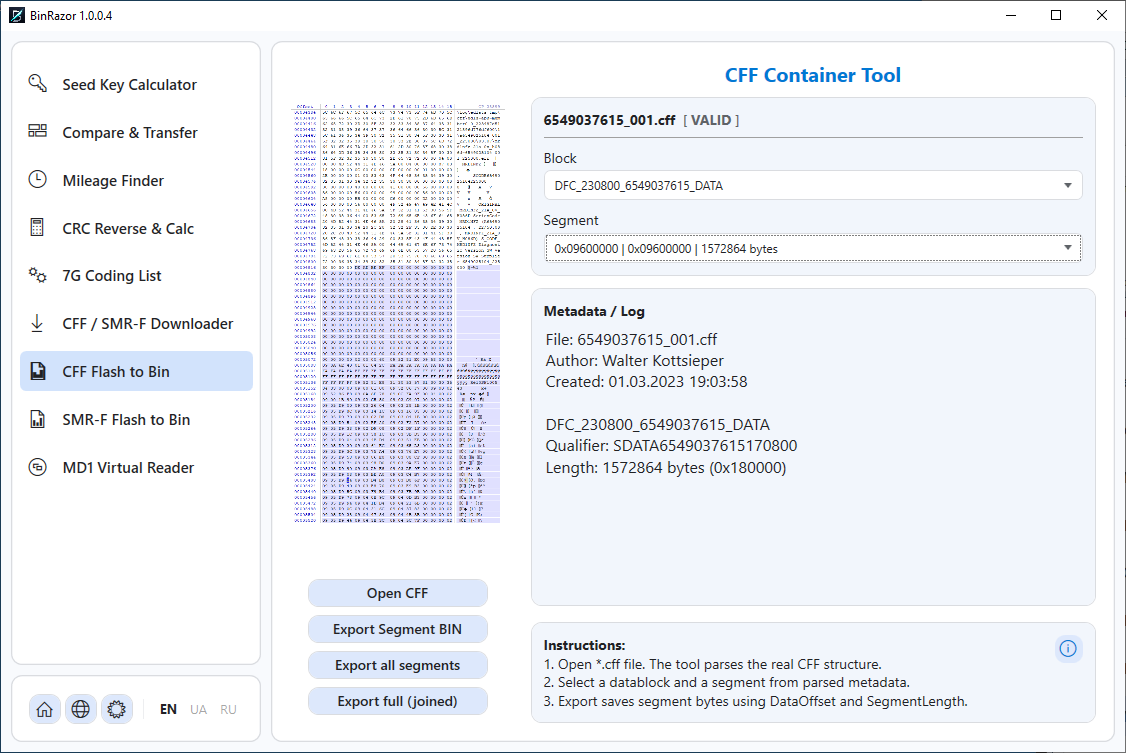
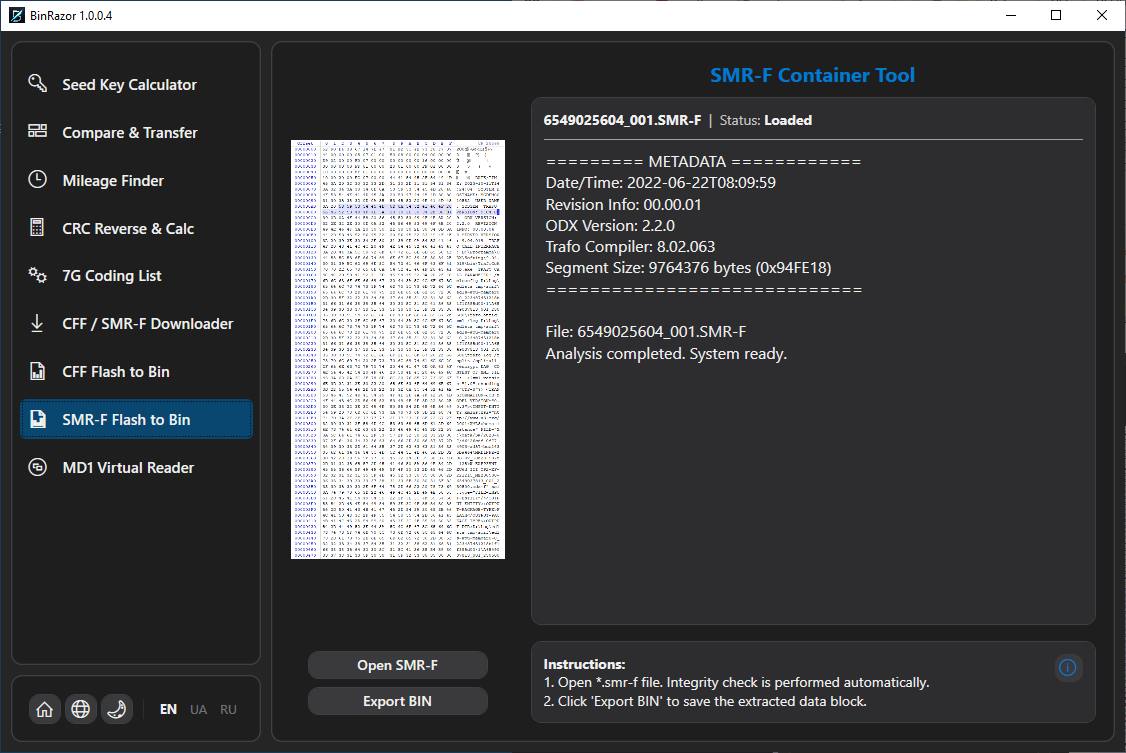
Offline parser for encrypted Mercedes SMR-F containers. Reads metadata, decrypts the firmware and saves it as a plain .bin — ready to analyse, compare or process with the other BinRazor tools.
Instruction (PDF)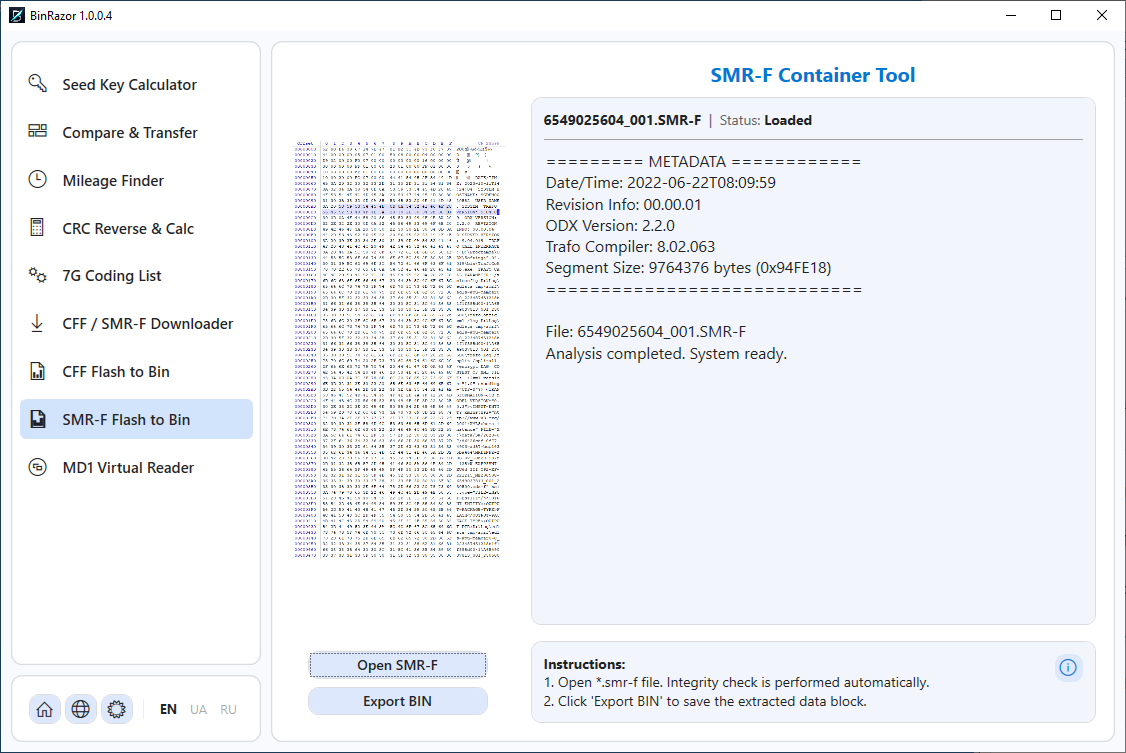
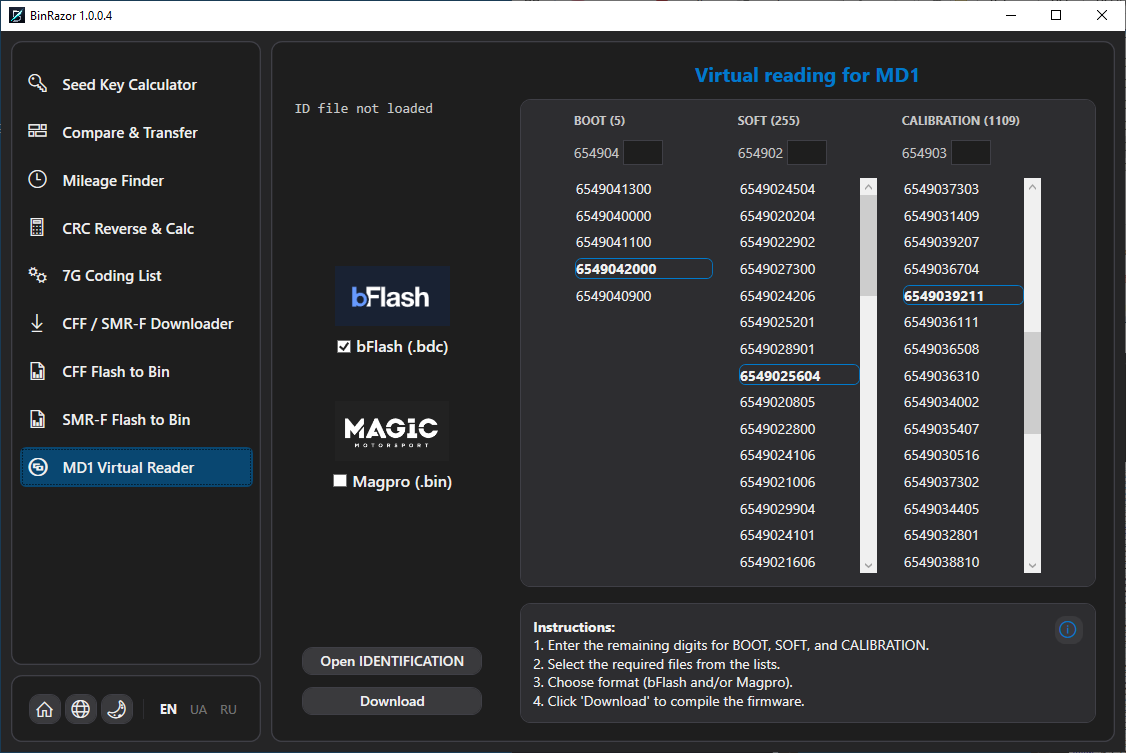
Virtual reader of identification data for MD1/MG1 (Bosch) ECUs. Load an ID file and the tool processes it and presents the identification data without a physical connection to the car.
Instruction (PDF)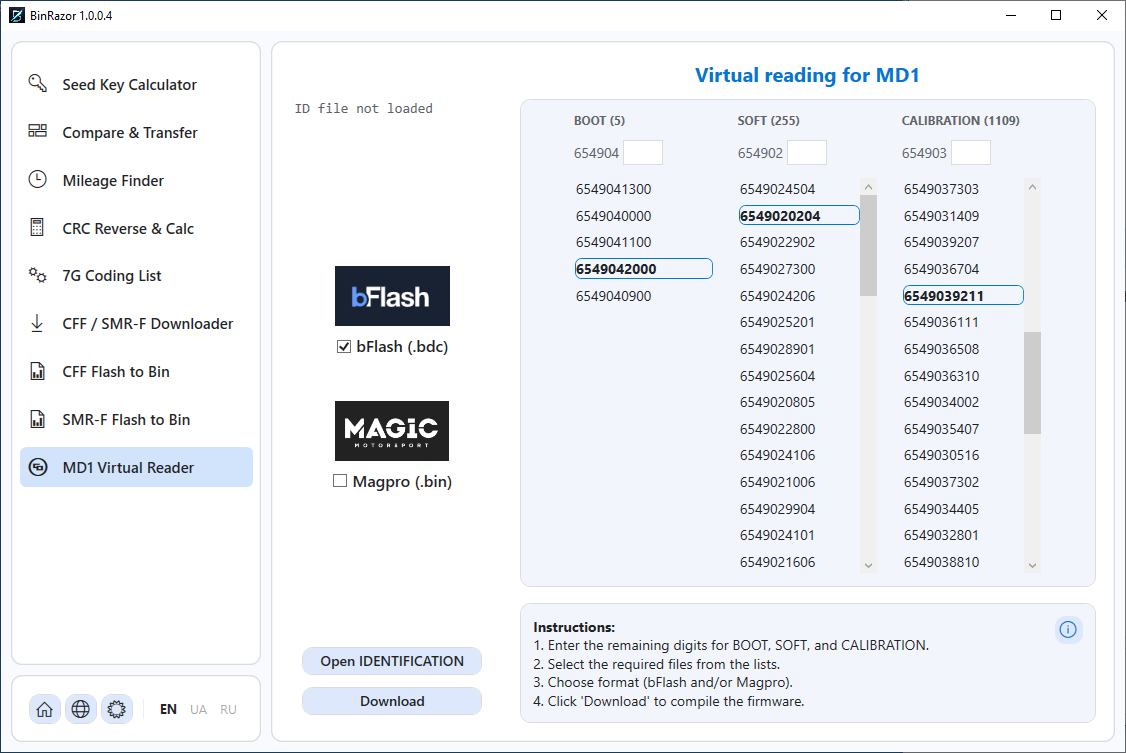
Contact us via any convenient method (contacts are listed below).
Unpack the archive (password provided in step 1), run the program and send us your unique HWID.
After payment confirmation, we will send your license file.
For license purchasing, technical support, or software improvement suggestions.
Tools are intended for diagnostics and legitimate servicing. Always keep a backup of the original. Full responsibility for use rests with the user.